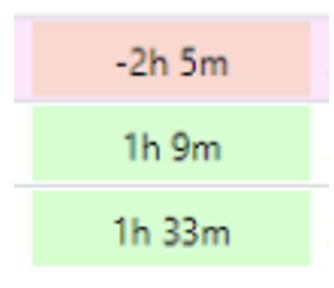
My Assigned Cases and Paramedics – Accessing your queue
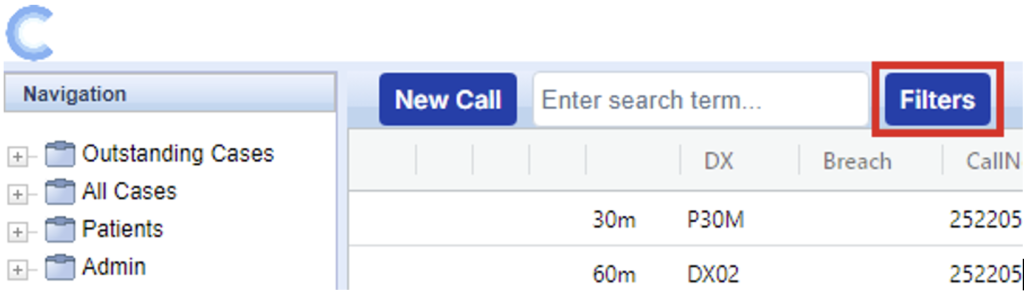
Select the Filters button at the top of the Cleo screen
Select the My Assigned Cases and Paramedics filter on the right-hand side & click Apply. This will display any cases that have been assigned to yourself and any Paramedic cases on the system.
Call back order within your work queue;
- Paramedic call backs - These can be identified by the Green person icon

- Priority Case - These can be identified by the Pink banner

- 15 Minute Poisoning / 30 Minute HCP call back – These can be identified by the time frame against the case in the column ‘DX’ (15m / 30m)
- Longest wait - These will default to the top of your work queue